
Tenant not home for a repair appointment? What to do
What to do when the tenant isn't home for a repair appointment: confirm access before you go, what to do at the door, and how to rebook.
 By the RentalThread teamHow we write our guides6 min read
When the tenant isn't home for a repair appointment, you lose the slot, the drive and often the rest of the morning. Unless you agreed on a trip charge beforehand, that trip usually comes out of your pocket. And the problem in the unit stays unfixed, so the owner or manager calls you again next week.
This guide is for plumbers, electricians, HVAC techs and other maintenance pros who work on rental properties. It covers how to confirm access before you go, what to do when nobody answers the door, how to report the missed visit and how to set things up so it happens less often.
Why missed visits happen on rental jobs
On most rental jobs, the person who hires you isn't the person who opens the door. The owner or the property manager books you. The tenant lets you in. The time often gets passed along second-hand, and details drop along the way:
- The manager agrees on "Thursday morning" with you and tells the tenant "sometime Thursday".
- The tenant never got the message, or got it days ago and forgot.
- Nobody said whether someone else can let you in: a neighbor, the building's maintenance person, a key in a lockbox.
- You have the manager's number but not the tenant's, so you can't call from the door.
Often the cause is a gap in that chain: a time nobody confirmed, or a phone number nobody shared. You can close most of those gaps before the visit.
Confirm access before you go
A few questions when the job comes in save most wasted trips. Ask the person who hires you:
- Who will let you in, and what's their phone number? If it's the tenant, ask for their number directly or ask whether the manager will share it.
- Is there a backup? A neighbor, a building super, a key in a lockbox, or the manager meeting you there.
- Can you enter if nobody is home? Only with clear permission from the owner or manager, in writing, and only if the tenant has been told. Rules on entering a rented home differ by country and state (notice periods, hours, emergencies), so the owner or manager should confirm what applies where the property is.
- What's the visit window? Give a range you can keep, like 9 to 11 AM, rather than "morning".
- What happens if nobody is there? Agree on it now; the next section covers it.
Write the answers on the job's work order, next to the address and the problem, so you have them at the door.
Then confirm twice. Send a short message the day before with the date, the window, the address and unit, and who will open. Ask the person who will open the door to reply and confirm the time and how you'll get in. If nobody answers by the evening before, don't count that as a yes: call the manager before you drive out.
On the day, send another message when you're on your way. A message like "On my way to Apt 4B, Maple Street, arriving around 9:30" gives the tenant a last chance to say they're out.
Agree on a no-access policy up front
If you charge for a wasted trip, say so before the job, in writing. Put it in your estimate or your payment terms: the amount, when it applies and who pays it. Many pros call this a trip charge or a service call fee.
Who pays it is between the owner or manager and the tenant. Some leases let the owner pass the charge to a tenant who missed a confirmed appointment; others don't, and local rules may limit it. You don't decide that. Your part is to bill the person who hired you, as you agreed, and give them the proof they need. Our guide on writing a repair estimate shows where terms like this go.
Decide too how long you'll wait at the door, for example 15 minutes, and say it beforehand. Then stick to it.
Tenant not home for the repair appointment: what to do at the door
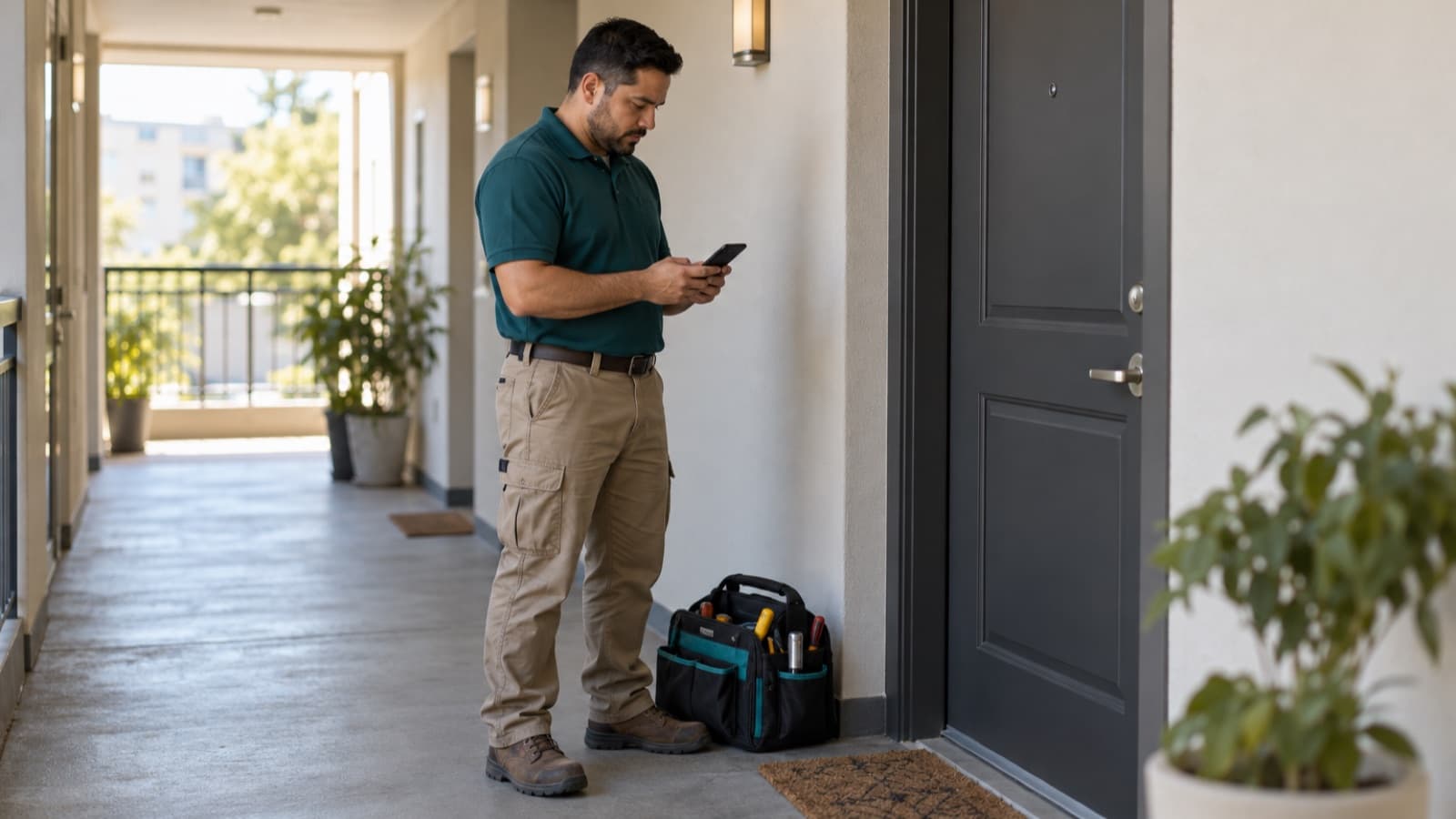
If nobody answers when you arrive, stay calm and keep a record. Follow the same steps every time:
- Knock or ring, then wait the time you agreed.
- Call and message the tenant, if you have their number. Keep the message short: "I'm at Apt 4B for the leak repair booked 9 to 11 AM. I'll wait until 9:45."
- Call the person who hired you. The manager may be able to reach the tenant, send someone with a key or give you permission to enter.
- Don't enter without clear permission, even if the door is unlocked or you know where a key is. If you were told you can enter, check that the permission covers this visit.
- Take a photo of the closed door with the unit number visible. Your phone records the time.
- Leave a note if the building allows it: your name, the time you came, the job and how to rebook.
If you see water coming under the door, call the owner or manager right away; they may be able to send someone with a key or shut off the water. If you smell gas, don't ring the bell, flip switches or make calls near the door. Leave the building, then call the gas company's emergency line or the local emergency number from outside, and tell the owner or manager after that. Either way, don't force entry yourself.
Report the missed visit the same day
Send a short report to the person who hired you before the end of the day. Include:
- the date, the window and the time you arrived;
- how long you waited and who you tried to contact, with the times;
- the photo of the door;
- the trip charge, if your agreed terms include one;
- two or three new times you can offer.
Stick to the facts. "Arrived 9:25, waited until 9:45, called the tenant twice and the manager once, no answer" gives the manager and the owner a clear record if they decide to talk to the tenant. It's also fair to the tenant, who may have a good reason.
If you invoice later, put the trip charge on its own line with the date, so it doesn't get mixed up with the repair. Our guide on how to get paid faster as a contractor covers invoices and follow-ups.
Rebook so it doesn't happen twice
Before you rebook, fix whatever went wrong the first time:
- Talk to the tenant directly, if the manager agrees. A time agreed with the person who opens the door holds better than one passed along.
- Ask for a backup way in: the manager on site, a neighbor or a lockbox.
- Offer a window that fits the tenant's day, like early morning or late afternoon, if you can.
- Confirm the day before and on your way, as before.
Our guide on how to schedule handyman jobs shows how to keep an open slot each day, so a rebooked visit fits without pushing other jobs back.
If the same unit misses visits again and again, tell the manager in writing. Sorting it out with the tenant is the manager's job.
How RentalThread will make it easier
With RentalThread, owners and managers will send you jobs with the photos, the address, the unit and the details in one place. You'll agree on the visit time in the same thread that the tenant, the manager and the owner follow. Everyone will see the same day and window, instead of a time passed from person to person.
If nobody is home, you'll post the photo of the door and a short note in that thread, so the manager has the record with the job and can pick a new time with everyone. Your progress updates and payment tracking will stay with the job.
See what we're planning for maintenance pros.
Send it to an owner, manager, agent, tenant or pro who could use it.
Questions, or a topic you'd like us to cover? Write to us at contact@rentalthread.com.