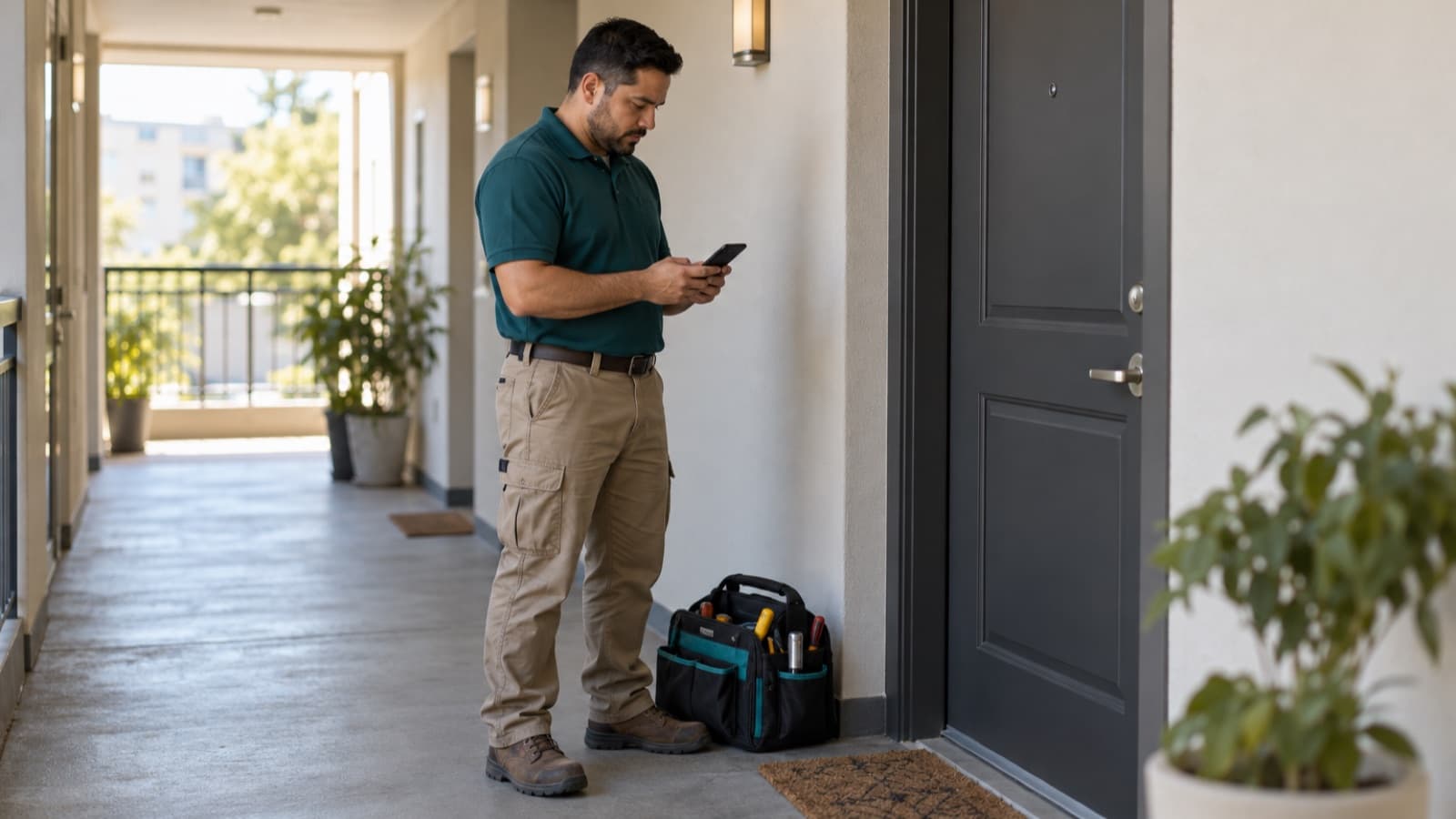

Maintenance work order template for rental repairs
A maintenance work order template for rental repairs: what to get before the visit, what to record on site and a checklist to close each job.
 By the RentalThread teamHow we write our guides7 min read

A maintenance work order template gives every rental job the same starting point: where to go, who lets you in, what's wrong and who approved the work. Without one, you get "the sink in 4B is leaking" in a text and work out the rest at the door. On rental work, a missing detail can mean a second trip and a question about who pays for it.
This guide is for plumbers, electricians, HVAC techs and other maintenance pros who take jobs from owners and property managers.
Why a work order matters on rental jobs
On a rental, three or four people touch the same job. The owner or manager hires you, the tenant reported the problem and lets you in, and someone else may pay the invoice. With a work order, you put what each of them knows on one page before you drive out.
You'll want it again after the job. When the owner asks what you did, or the tenant says the leak is back, you can point to what was reported, what you found, what you did and who signed off. Your estimate and your invoice can point to the same number.
Why jobs start with half the details
Most rental jobs reach you second-hand, through a tenant's message, a manager's call or a forwarded screenshot. The usual gaps:
- No unit number or access notes. You have the building address but not the apartment, the gate code or who has the key.
- A vague problem. "The heater is making noise" with no photo, no model number and no idea when it started.
- No contact on site. You have the manager's number, not the tenant's, so you can't call from the door.
- Nobody said who approves. You find a second problem and don't know whether the manager can say yes or you have to wait for the owner.
- No priority. A slow drip and water through the ceiling arrive with the same "when can you go?"
Each gap costs you a call or another trip.
What to get before the visit
Ask the person who hires you for these details before you schedule:
- Property address, building and unit number
- Who lets you in, their phone number, and a backup (neighbor, building super, lockbox)
- Gate codes, parking, elevator or building hours, pets in the unit
- What the tenant reported, in their words, and when it started
- Photos or a short video of the problem, plus a wider shot that shows where it is
- Brand, model or label of the fixture or appliance, if anyone can see it
- How urgent it is: an emergency, this week, or a date that suits everyone
- Who approves the work, and up to what amount without asking the owner
- Who pays, and where the invoice goes
- Whether the tenant has been told about the visit and the time window
The tenant usually needs notice before you enter, and the rules on notice, hours and emergencies differ by country and state. The owner or manager arranges that; check the rules where the property is. Our guide on what to do when the tenant isn't home for a repair covers confirming access and what to do at the door.
Maintenance work order template you can copy
Copy these fields into a document, a note on your phone or your invoicing app. Fill in the top half when the job comes in and the bottom half on site:
| Field | What to write |
|---|---|
| Work order number and date | A number you'll repeat on the estimate and the invoice |
| Requested by | Owner or manager, with phone and email |
| Approves | Who can approve the work, and the spending limit |
| Approved work | The agreed scope, the price or rate, the estimate number, and who approved it and when |
| Bill to | Who pays, and where the invoice goes |
| Property | Address, building, unit |
| Access | Who lets you in, phone, backup, codes, parking, pets |
| Problem reported | The tenant's words, when it started, "photos attached" |
| Priority | Emergency, this week, or scheduled |
| Visit | Date and time window, and whether the tenant confirmed it |
| Found on site | What you found and the cause, if you know it |
| Work done | What you did, step by step |
| Parts and materials | Item, brand or model, quantity |
| Time on site | Arrival, departure, number of people |
| Extra work | What, the price, who approved it and when, in writing |
| Photos | Before and after, with the unit visible where possible |
| Status | Done, needs a return visit, or waiting on parts |
| Next step | Return date, parts ordered, or "invoice sent" |
| Sign-off | Name of the person who checked the work and the date, or "pending" and who will check it |
Read the top half before you schedule. If the access, the problem or the approver is blank, ask first.
Example: a running toilet at Apt 2C
The template filled in for a common job (the names, the address and the limit are only examples):
- Work order: #208, Nov 3
- Requested by: Maria Lopez, property manager, (555) 014-2207
- Approves: Maria, up to $250; above that, the owner
- Approved work: fix the running toilet and the sticking handle, $140 flat with parts, estimate #208, approved by Maria by text on Nov 3
- Bill to: Lopez Property Management, invoices by email
- Property: 42 Cedar Avenue, Apt 2C
- Access: the tenant, Alex, home after 4 PM; backup: the super, Mr. Diaz, in 1A. No pets. Street parking.
- Problem reported: "The toilet keeps running and the handle sticks." Started last week. Two photos of the tank.
- Priority: this week
- Visit: Thursday, 4 to 6 PM; Alex confirmed
- Found on site: worn flapper and a bent handle arm; the fill valve works
- Work done: replaced the flapper and the handle, adjusted the chain, flushed ten times with no leak
- Parts: 1 universal flapper, 1 tank handle
- Time on site: 4:20 to 5:05 PM, one person
- Extra work: none
- Photos: before and after, 4 in total
- Status: done
- Sign-off: Alex checked the flush, Nov 6
If the toilet runs again in March, the manager can open #208 and see the flapper, the date and Alex's sign-off without calling you.
On site: what to record while you work
Fill in the bottom half while you're still at the job:
- Take a before photo first, from the same angle you'll use for the after photo. Our guide on before and after photos for repair jobs shows which shots to take.
- Write what you found in plain words. "Worn flapper" helps the owner more than "toilet repaired".
- Stop when the scope changes. If you find more work, send photos and a price to the person who approves, and wait for a written yes before you do it. Note who approved it and when.
- List the parts as you use them, with brand or model, so the invoice matches.
- Note the time you arrived and left. If you bill by the hour, this is your record; if you charge a flat price, it still helps you price the next job.
Some work needs a license or a permit, especially gas, electrical and structural work. Check the rules where the property is, and note the permit number on the work order when there is one.
Checklist: close the job before you leave
Run through this list before you walk out of the unit:
- The work you finished is tested, and anything still open is written down with its next step
- Before and after photos are taken
- Parts and materials are listed on the work order
- Any extra work has a written approval with a name and a date
- The area is clean, and old parts are removed or left where the owner asked
- The tenant or the manager has checked the work and their name is on the sign-off, or it's marked pending with who will check it
- The status is set: done, return visit, or waiting on parts
- The work order is sent to the person who hired you, with the photos
With the work order filled in, you can copy most of the invoice from it.
How RentalThread will make it easier
With RentalThread, owners and managers will send you jobs with the tenant's photos, the location and access notes already attached, plus a short AI description of the problem written from the tenant's message, which they'll review and edit before sending it. You'll check it against the photos before you price the job.
Approvals and extra work will be agreed in writing in the job's own thread, with the photos next to them. Planned features also include check-in and check-out on site, materials and receipts kept with the job, and voice notes turned into written updates you review before they're sent. The owner, the manager and the tenant will follow the same job from request to payment, so you won't have to send the same update three times. See everything planned for maintenance pros.
Send it to an owner, manager, agent, tenant or pro who could use it.
Questions, or a topic you'd like us to cover? Write to us at contact@rentalthread.com.