
How to schedule handyman jobs and plan your day
How to schedule handyman jobs on rentals: sort requests, group them by area, give arrival windows, leave buffers and confirm access the day before.
 By the RentalThread teamHow we write our guides6 min read

Knowing how to schedule handyman jobs decides how many of them you finish in a day. Drive back and forth across town and you lose an hour or more to traffic. Show up two hours late and the tenant may have left, the owner hears about it, and the next job goes to someone else.
This guide is for maintenance pros who work on rentals: plumbers, electricians and anyone who takes on small repairs for owners and property managers. It covers how to sort incoming requests, plan a week, order each day, confirm access and handle a day that falls apart. The times in the examples are made up to show the method.
Why your schedule matters as much as your work
On rental work, the people who hire you judge you on two things: the repair and whether you showed up when you said. A manager with twenty units remembers the pro who arrived inside the window and sent a photo when the job was done. They also remember the one who kept a tenant waiting all morning.
Your schedule also affects what you earn. Every hour spent driving between jobs, waiting at a locked door or going back for a part is time you often can't bill, or can bill only in part. With less driving and waiting, more of the week goes to paid jobs.
Why scheduling rental jobs is harder than it looks
A job in a rental involves more people than a job in someone's own home. The owner or manager sends the request, the tenant lives there and has to let you in, and sometimes a building manager holds the keys. Each of them has their own hours, and the details arrive by phone, text, WhatsApp and email.
The jobs also change once you're on the road. An urgent leak comes in at 7 AM and pushes everything back. A "quick" outlet repair turns into a wiring problem. A tenant cancels at the door. If your plan lives in your head or across three chat apps, one change can break the whole day.
How to schedule handyman jobs: a weekly routine
Plan once a week, then adjust each evening for the next day. A notebook, a paper planner or the calendar on your phone works, as long as everything is in one place.
Sort requests before you book them
When a request comes in, put it in one of three groups:
- Urgent: water leaking, no heat in winter, no power to part of the unit, a door that won't lock. These go in the next open slot, or today. If there's danger right now, such as sparks, a gas smell or water coming through a ceiling, tell the caller to use the shut-off or call the utility's emergency line or 911 first, then come as soon as you can or say plainly that you can't.
- This week: things that bother the tenant but don't cause damage, like a running toilet or a dripping faucet.
- Flexible: small fixes, paint touch-ups and repairs in a vacant unit that can safely wait. These fill gaps.
Ask for photos and the address before you book. A photo tells you which tools and parts to bring, and often how long the job will take.
Group jobs by area
Split the area you cover into zones, such as north side, downtown and east side, and give each zone one or two days a week. Book flexible jobs into the zone's day. When a manager has several units in the same building or street, ask to do them back to back.
Then plan each day as a loop: start close to home or the supply house, work outward and finish near home. Crossing town twice a day wastes time and fuel.
Order the day
Put the jobs you can predict first. Replacing a toilet flapper or a faucet cartridge usually takes a similar time, so it keeps your morning on track. Diagnosis jobs, where you don't know the cause yet, go later. Vacant units, exterior work and anything without a tenant waiting go last, because they can run late without making someone wait.
If you have a helper, give them the predictable jobs and keep the diagnosis work for yourself. Only hand them work they're qualified for, and check the licensing and permit rules where you work, especially for electrical and plumbing jobs.
Give arrival windows, not exact times
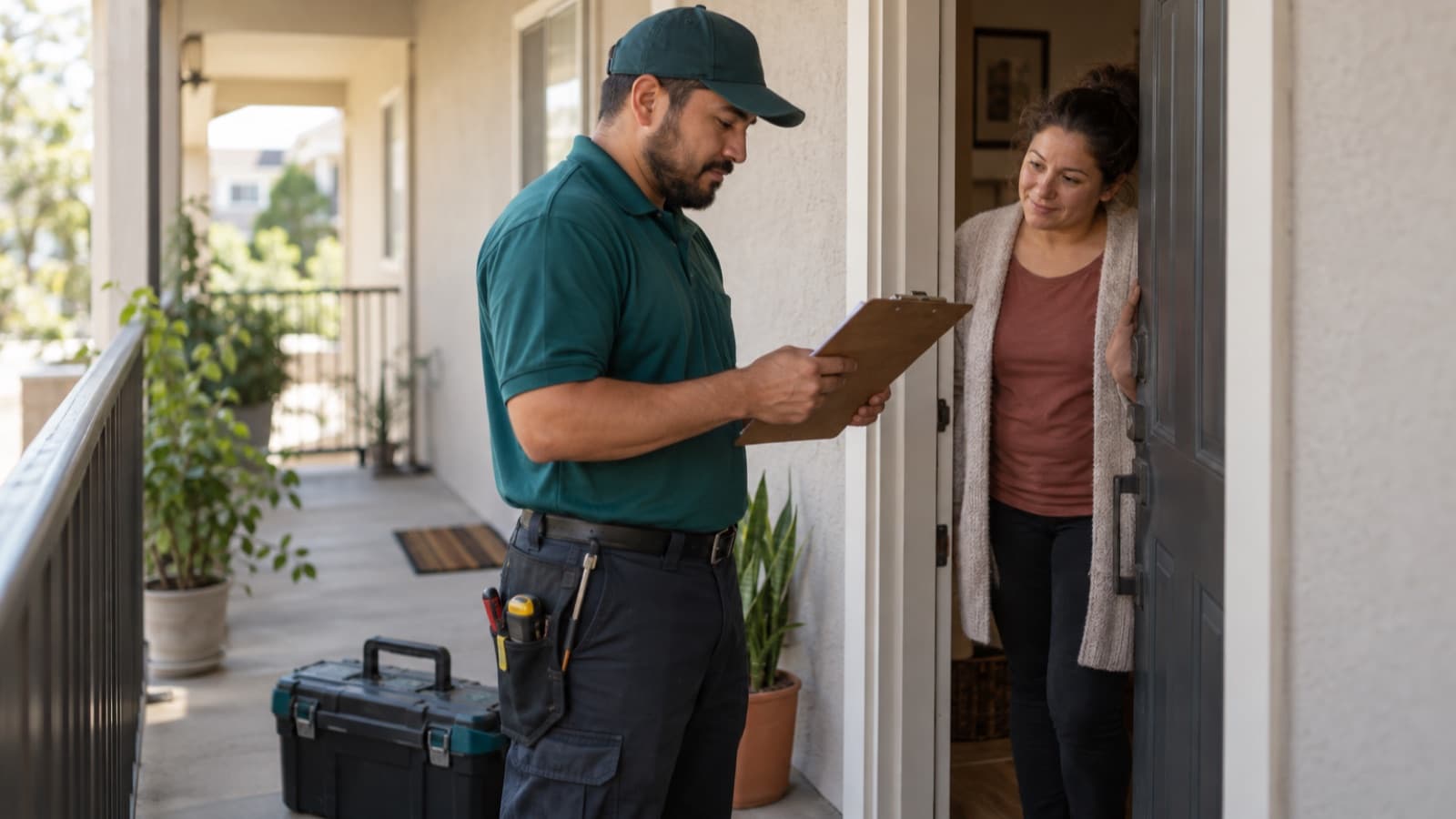
Tell the tenant and the manager a window, such as "between 9 and 11 AM," and say you'll text when you're on your way. A two-hour window is easier to keep than an exact time, and the tenant knows when they need to be home.
Leave buffers and one open slot
Add time between jobs for driving, parking and cleanup. Then keep one slot open most days, late morning or early afternoon. If an urgent call comes in, it goes there. If not, you catch up on a job that ran long or pick up a flexible one.
Confirm access the day before
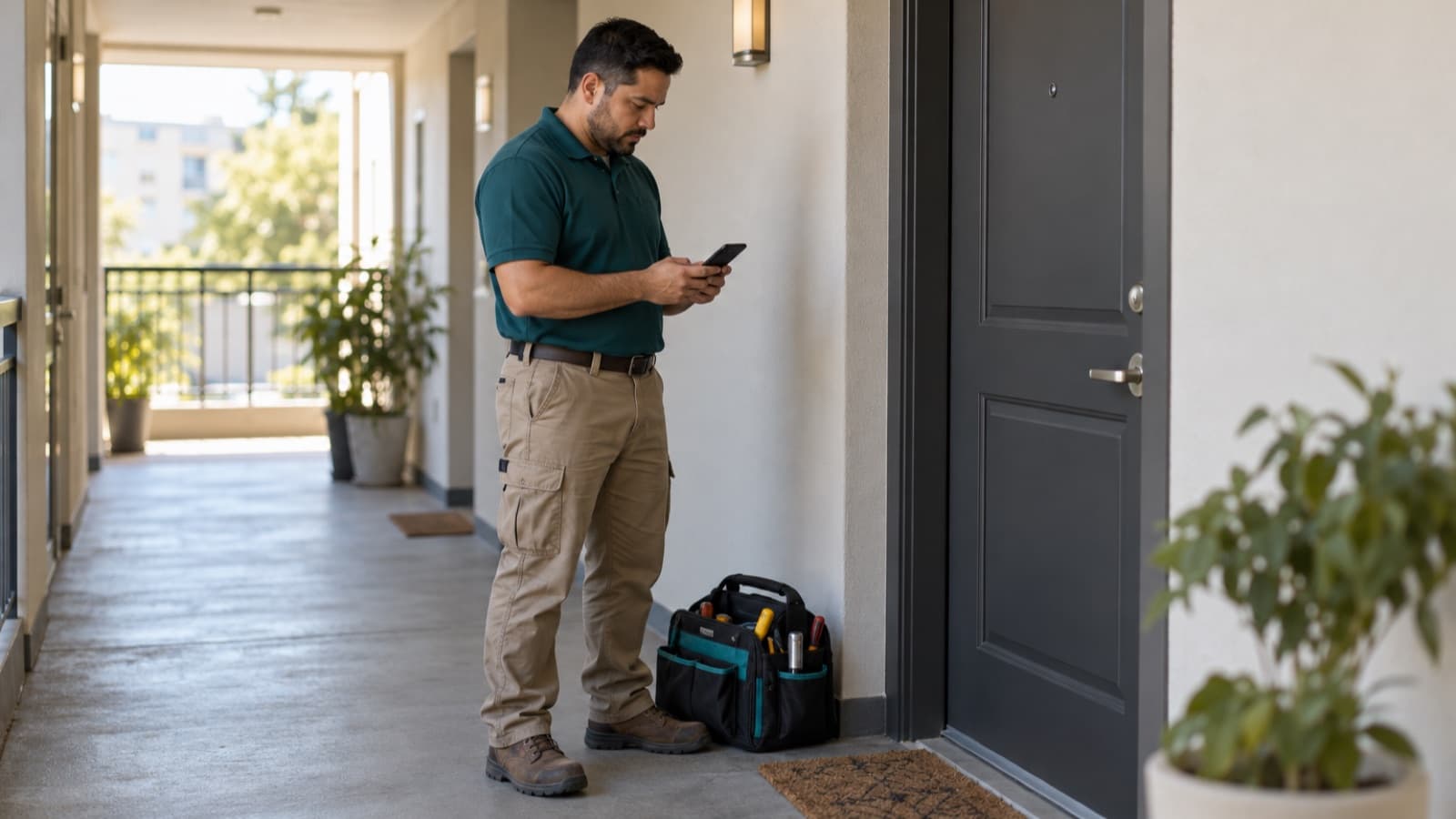
A trip to a locked door costs you the drive and the slot, and often a second visit. The evening before each day:
- Check how you'll get in for every job: tenant at home, key from the manager, a lockbox code or a building manager.
- Send the tenant a short reminder with the window, through the channel the owner or manager agreed on.
- Confirm with the manager any job where the tenant won't be home and you'll enter alone.
How much notice a tenant must get before someone enters, and who sends it, depends on the lease and on state or country rules. That's usually the owner's or manager's job; our guide for owners on giving notice to enter for repairs explains their side. If you arrive and nobody is there, see what to do when the tenant isn't home.
Plan parts and supply runs
A trip to the store in the middle of the day breaks the loop you planned. Use the photos from each request to make a parts list for the next day, and load the van the night before.
Keep common parts on hand: flappers, fill valves, cartridges for the faucets you see most, outlets, switches, wax rings. Many pros set aside one block a week for the supply house instead of stopping between jobs.
Keep a simple day sheet
For each day, write down one line per job. An example for a Tuesday on the north side:
| Window | Address | Job | Access | Parts |
|---|---|---|---|---|
| 8–9 AM | Apt 4B, 12 Maple Street | Running toilet | Tenant home | Fill valve, flapper |
| 9:30–11 AM | Apt 2A, 30 Maple Street | Dripping kitchen faucet | Key from manager | Cartridge |
| 11 AM–12 PM | Open slot | |||
| 1–3 PM | Unit 7, 85 Oak Avenue | Outlet not working | Tenant home after 1 PM | Outlets, tester |
| 3:30–5 PM | 210 Birch Lane (vacant) | Door that sticks, paint touch-up | Lockbox | Hinges, paint |
At the end of the day, mark what was done, what needs a second visit and how long each job really took. After a few weeks you'll know your real times, and your estimates and windows get better.
When the day falls apart
Some days won't go to plan. When you see you'll miss a window, message the tenant and the manager with a new time as soon as you know, before the window passes. If you need to move a job to another day, offer two options so they can pick one fast.
When a job turns out bigger than the request, stop, send photos and a price, and wait for approval in writing before you go on. Then look at the rest of the day and move what no longer fits.
How RentalThread will make it easier
RentalThread is planned to help maintenance pros organize the day around each job. Owners and managers will send jobs with photos, the address, access notes and a description drafted with AI that they review before sending, so you know what to bring before you book.
You'll set an availability calendar for recurring jobs and job requests nearby, see the day's route with reminders and check in and out of each job, so everyone in the thread knows when you arrived and finished. You'll be able to add helpers, and voice notes from the van will turn into written updates you check before they go out.
Send it to an owner, manager, agent, tenant or pro who could use it.
Questions, or a topic you'd like us to cover? Write to us at contact@rentalthread.com.