
Tenant welcome packet: what to give new tenants on move-in
What to put in a tenant welcome packet: contacts, repairs, shut-offs, trash days, utilities and keys, plus the format to use and when to send it.
 By the RentalThread teamHow we write our guides6 min read

A tenant welcome packet answers the questions new tenants ask in their first weeks: who to call when something breaks, which day the trash goes out, where the water shut-off is, how to pay rent. When you write those answers down before move-in day, the tenant settles in faster and you get fewer calls about things a page could have answered.
This guide is for property managers who hand over units often. It covers what to put in the packet, how to format it so tenants read it, and when to send each part. The inspection itself has its own guide: the move-in inspection checklist.
Why new tenants ask the same questions
A new tenant doesn't know the building yet. In the first weeks the same questions arrive, often by text, in the evening or on weekends:
- What's the Wi-Fi password?
- When is trash pickup, and where do the recycling bins go?
- Who do I call about the dishwasher?
- The power went out in the kitchen. Where's the breaker panel?
- Can I park in the spot by the gate?
Each answer takes a minute, but across every unit you manage and every new lease, those minutes fill part of your week. The answers also drift: one tenant hears "just text me," while another hears "email the office." When a real problem comes, such as a leak under the sink at night, the tenant may not know which channel to use or where to close the water, and a small repair gets bigger.
You have most of these answers already, spread across the lease, an old email to the previous tenant, the owner's notes and your memory. The packet puts them in one place.
What to put in a tenant welcome packet
Use this checklist and leave out what doesn't apply to the property. Keep each item short: a tenant should find the answer in seconds.
Contacts and how to report repairs
- Your name, the office phone and email, and office hours.
- How to report a repair: one channel, and what to include (what's wrong, where, since when, a photo or short video). Our guide to handling tenant maintenance requests explains why one channel matters.
- What happens next: when to expect a reply and how you schedule visits.
- The after-hours number, and what counts as an emergency for this property: water you can't stop, no heat in cold weather, a lockout, sparks from an outlet. For fire, a suspected gas leak or anyone in immediate danger, the tenant should get to safety and call emergency services from there. If they smell gas, they shouldn't flip switches or try the gas valve themselves; point them to the local emergency and gas company guidance.
Emergencies and shut-offs
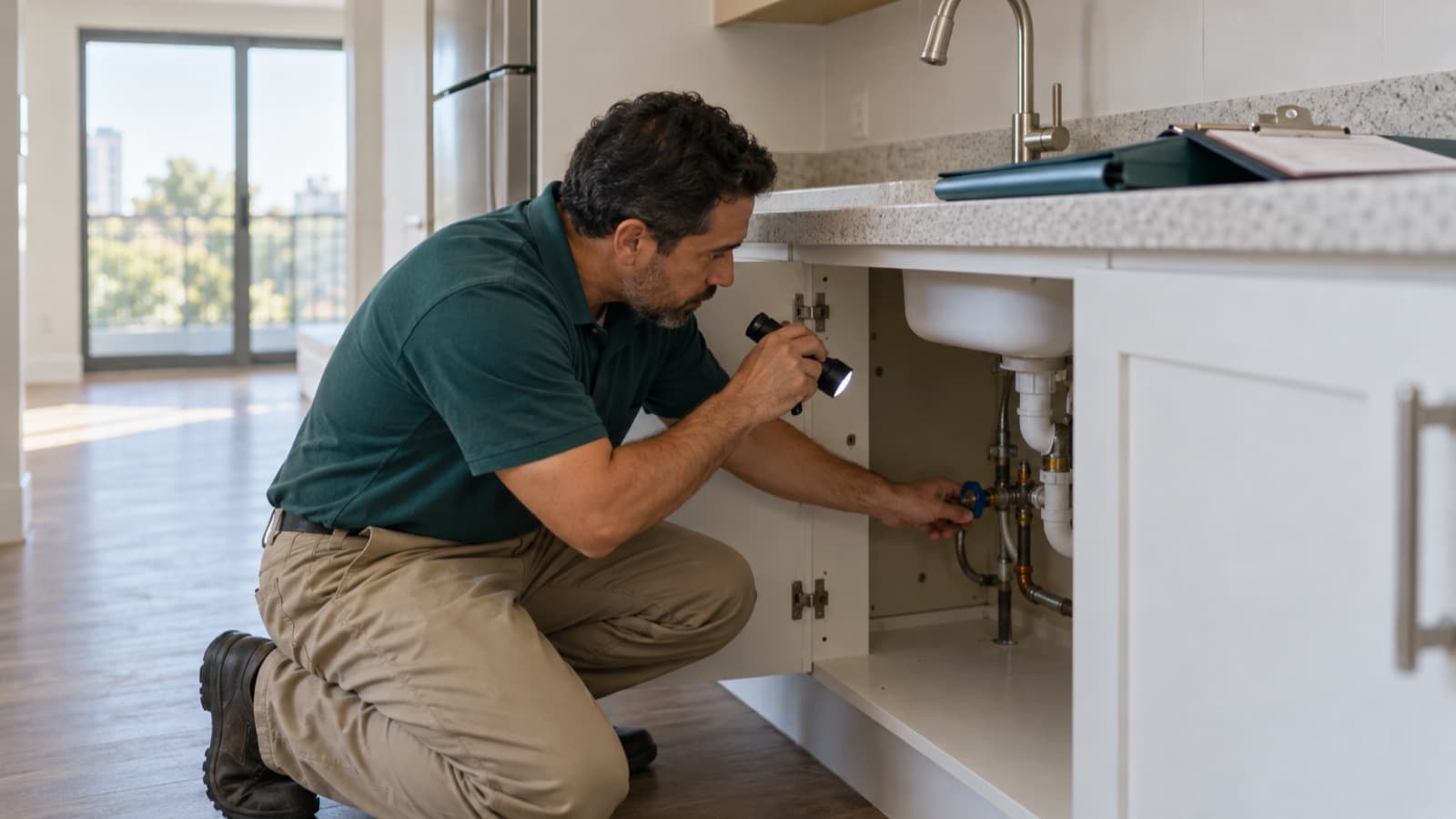
- Where the main water shut-off is, plus the valves under each sink and toilet.
- Where the breaker panel is, and how to reset a tripped breaker.
- Where the gas shut-off is, if the unit has gas, and the gas company's emergency line.
- Where the smoke and carbon monoxide detectors are, how to test them, and who replaces the batteries.
- Where the fire extinguisher is, if there is one.
A photo of each shut-off, with an arrow on the handle, saves a lot of explaining at 11 PM.
Utilities and Wi-Fi
- Which utilities the tenant sets up and which stay in the owner's name, with the provider for each: electricity, gas, water, internet. The lease says who pays for each one; the packet adds the provider and how to start service.
- The date to start service, so nothing is off on move-in day.
- If internet is included: the network name, the password and where the router is.
Trash, recycling and building rules
- Pickup days for trash, recycling and bulky items, and where the bins go.
- Quiet hours, shared spaces (laundry room, yard, roof), pets, smoking, and how to book the elevator or loading area for moving furniture.
- A short summary of the rules, with a pointer to the full text. Keep it brief, check it against the lease and the building rules, and update it whenever either one changes.
Appliances and the home
- The manual for each appliance, or a link to it, with the model number.
- How the thermostat, water heater and garbage disposal work, plus any quirk, such as the bathroom fan that needs a second press.
- Who handles routine tasks: air filters, light bulbs, the lawn, snow on the steps.
Rent, keys and parking
- How to pay rent: amount, due date, accepted methods, the reference to include, and how the tenant gets a receipt.
- A list of every key, fob, remote and parking card handed over, with the quantity of each. You and the tenant both sign it; at move-out it shows what should come back.
- Parking: the assigned spot, guest parking and any permits.
- Mail: the mailbox number and key, and where the carrier leaves packages.
Documents
- A copy of the signed lease.
- A copy of the signed move-in report with its photos.
- Any notices or disclosures the property needs to give. Which ones apply, and how you must deliver them, depend on the state and city: check the rules where the property is.
Keep it to one page, plus a private folder
Tenants skip long packets, so use two layers:
- One page with what a tenant needs fast: contacts, how to report a repair, the after-hours number, shut-off locations, trash days and the rent due date. Leave it printed on the kitchen counter and send it as a PDF too.
- A private folder for each tenancy with everything else: the lease, the move-in report, manuals, the full building rules, utility details and the photos of each shut-off. Give access only to the people on that lease, and open the link from an account without access before you send it. Keep the reusable building information (manuals, rules, shut-off photos) in your own template, apart from signed leases and inspection reports, and copy it into each new folder.
The top of a one-page guide for a made-up unit could look like this:
| Item | Apt 4B, 210 Maple Street |
|---|---|
| Property manager | Dana Ruiz, (555) 014-2283, Mon to Fri, 9 AM to 5 PM |
| Repairs | Text a photo or video to the same number; reply within one business day |
| After-hours emergency | (555) 014-2290 |
| Water shut-off | Under the kitchen sink, blue handle (photo in the folder) |
| Trash and recycling | Trash on Tuesday, recycling on Friday, bins by the side gate |
| Rent | Due on the 1st, receipt by email the same day |
Build one template per building and fill in what changes per unit. When a unit is empty between tenants, check the page against the unit: a new water heater or a new trash day makes the old page wrong.
When to send each part
- After the lease is signed: send the utilities section and the move-in details (date, time, where to pick up keys, elevator booking) so the tenant can set up service in time.
- On move-in day: hand over the printed page with the keys, show the shut-offs during the inspection walkthrough, and sign the key list together.
- The same day, in writing: email the PDF and the folder link, so you have a dated record of what you sent. Any notice the law requires may have its own delivery rules; follow those separately.
- After a week or two: send a short check-in, such as "Is anything missing from the welcome guide?" Add each new answer to the template so the next tenant gets it.
How RentalThread will make it easier
RentalThread will keep each tenant's lease, rent receipts and past repairs together, so tenants will find those documents in one place.
When something breaks, the tenant will report it from their phone with photos or a video, and AI will turn the message into a clear request that they review before it's sent. Each repair will have its own thread that you, the owner, the tenant and the pro follow, so the tenant sees who's coming and when without calling you. AI will also draft messages for you, such as the welcome note or the two-week check-in, and you'll review and edit each one before it goes out. See what's planned for property managers.
Send it to an owner, manager, agent, tenant or pro who could use it.
Questions, or a topic you'd like us to cover? Write to us at contact@rentalthread.com.