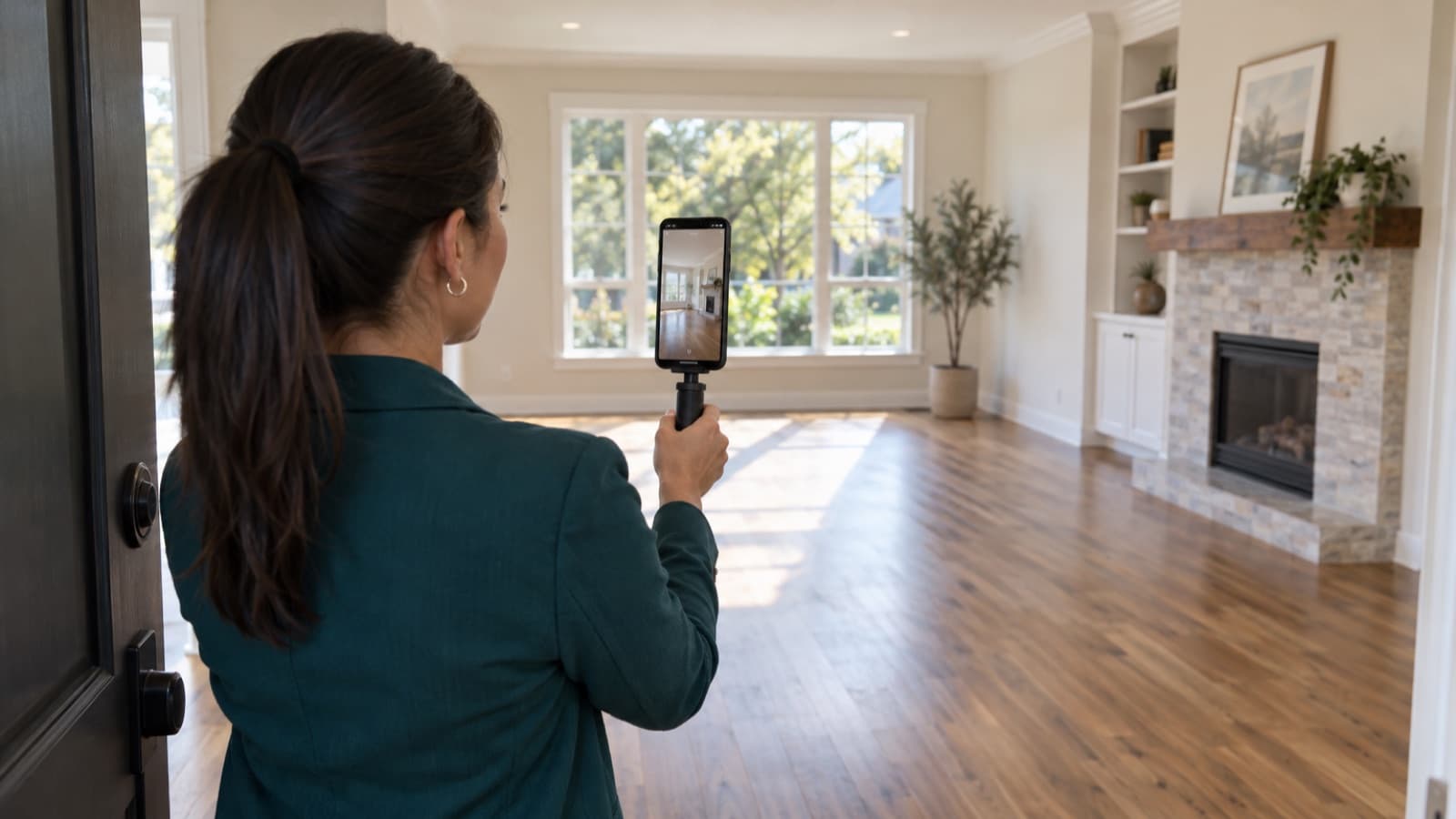

How to schedule rental property showings with fewer messages
How agents can schedule rental property showings with less messaging: a complete listing, fixed time slots, self-booking, fewer no-shows and owner updates.
 By the RentalThread teamHow we write our guides6 min read

To schedule rental property showings without spending the day on your phone, cut the number of messages each visit takes. Every week a unit sits empty costs the owner a week of rent, and every showing that takes six messages to arrange is time you don't spend on the next listing.
This guide is for real estate agents who rent out properties for owners. It covers what to put in the listing, how to set up times people can book on their own, how to cut no-shows and how to keep the owner informed with short, regular updates.
Why scheduling showings takes over your day
The first message is "Is it still available?". The second asks about pets. The third asks if Saturday works, and Saturday doesn't work for the current tenant. By the time you agree on Tuesday at 6 PM, two other people have asked the same questions, and one of them won't show up.
Meanwhile the owner sends a message of their own: how is it going? You know the answer, but it's spread across a dozen chats, and putting it together takes another half hour.
Most of this comes from three gaps: the listing doesn't answer the common questions, there's no fixed set of times to choose from, and nothing reminds people they booked.
Answer the common questions in the listing
Every question the listing answers is one less message. Before you share it, check that it includes:
- Price and what it includes: rent, building fees, utilities, parking.
- Available date and the minimum lease length.
- Requirements: the documents and deposit you'll ask for, and the pet policy.
- The area, without the exact unit number until a visit is booked.
- Good photos of every room, plus a floor plan if you have one.
- How to book a visit: the link or the times, so nobody has to ask, plus a way to reach you for anyone who needs help booking or a change to how the visit works.
Apply the same requirements to everyone who asks, and keep screening questions about the home and the lease. Some people need an adjustment because of a disability, such as help booking or another way to see the unit. These are reasonable accommodations, and in many places the law requires you to provide them. Housing discrimination rules apply to listings and showings; in the US, the federal Fair Housing Act is one example. Check the rules where the property is.
For the text itself, our guide on how to write a rental listing description has a before-and-after example. For the questions that still come in, our guide on how to respond to rental inquiries has reply templates you can save.
Offer fixed time slots
Asking "What time works for you?" starts a back-and-forth. Offer a short list of times instead: set two or three showing windows a week and fill them back to back:
- One weekday evening, one weekend morning, and one more window when demand is high.
- One visit every 20 or 30 minutes within a window, one party per slot, so you stay at the property.
- A group showing (an open house) when many people are interested at once, with a set number of places. Our guide on running a rental open house shows how to do it in short waves.
If a current tenant lives in the unit, agree on the windows with them first and give the notice their lease and local rules require. Ask them to secure valuables, and keep the visits inside the agreed times. Our guide on showing an occupied rental covers this case in more detail.
Let people book their own visit
Once the slots exist, let prospective tenants pick one themselves. A booking tool shows only open slots and confirms the visit as soon as someone books. A simple form works too, but it only collects requests: reply that you got the request, check that the time is free, then confirm. Either way, ask only for what you need:
- name and phone number;
- the showing times that suit them (on a form);
- preferred move-in date;
- any question about the property.
The confirmation gives the address, the time, your name and how to get in (building entrance, parking, which bell to ring). A clear confirmation saves the "where are you?" call at the door. If you'll ask people to reconfirm, say so here, with the deadline.
Cut the no-shows
No-shows waste the slot and the trip. A few habits help:
- Send a reminder the day before, and ask for a quick reply by the deadline you gave. "Hi Marta, see you tomorrow at 5 PM at Apt 3C. Reply YES by 10 AM tomorrow to keep your visit, or pick another time here."
- Make canceling easy. A person who can cancel in one tap frees the slot for someone else; a person who has to call often just doesn't come.
- Keep a short list of people waiting for a slot, and offer the freed time to them.
- Release a slot only after the deadline you gave. If the confirmation asked people to reconfirm by a set time, remind them before it. If nobody answers, tell them the visit is canceled before you offer the slot to someone else. With no deadline stated, a confirmed visit stays booked.
For your safety, follow the same routine at every visit: take a name and phone number at booking, tell someone where you'll be and when you expect to finish, and check in with them afterward. If you feel unsafe, end the visit, leave and call for help. Keep it separate from screening, which follows consistent, lawful criteria, with reasonable accommodations where required.
After the visit: follow up and update the owner
Write down feedback the same day, while you remember it: who came, what they liked, what worried them (the noise, the kitchen, the price). Send the people who are interested the next step: how to apply and which documents to bring. Our guide on rental application requirements lists what to ask for.
Then give the owner the picture in a few lines, once or twice a week:
Apt 3C this week: the listing was shared in 3 places, 6 visits booked, 5 people came. Two liked the light and asked about parking; one found the bedroom small for the price. One application in progress.
The numbers in this example are made up; use your own. A short, regular update answers "how is it going?" before the owner asks, and the feedback helps you both decide whether the price or the photos need to change. Our guide on reporting showing feedback to the owner shows what to ask after each visit and what to put in the update.
When the lease is signed, a move-in inspection protects everyone. Our move-in inspection checklist shows how to record the unit's condition room by room.
If you also send owners a monthly report, our guide to the monthly owner report shows what to put in it.
If visits or applications stay low for a couple of weeks, our guide on why a rental isn't renting shows how to find the step where people drop off.
How RentalThread will make it easier
With RentalThread, each listing will get one link with its photos, details and price, ready to share anywhere. Prospective tenants will choose from the times you've made available, so arranging a showing takes fewer messages. Owners will see views, visits and feedback without having to ask you.
AI will draft replies to common questions and listing descriptions from the property's details, and you'll review them before anything is published or sent. It will also put each listing's views, visits and feedback in a short summary for the owner.
See what's planned for real estate agents.
Send it to an owner, manager, agent, tenant or pro who could use it.
Questions, or a topic you'd like us to cover? Write to us at contact@rentalthread.com.