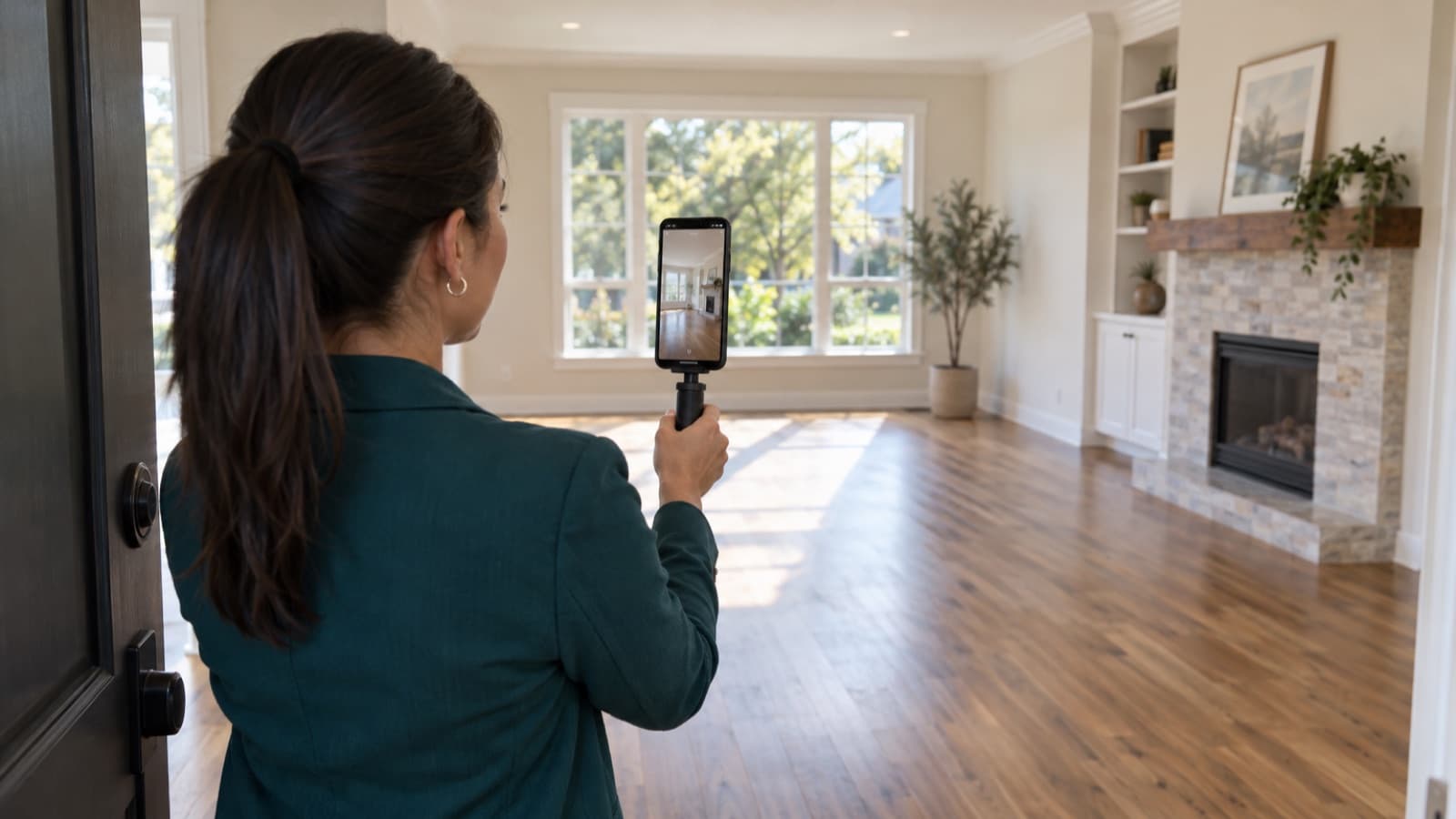

Where to advertise a rental property, channel by channel
Where to advertise a rental property: rental sites, classifieds, social media, WhatsApp and a sign, and how to keep one listing and one inbox.
 By the RentalThread teamHow we write our guides6 min read
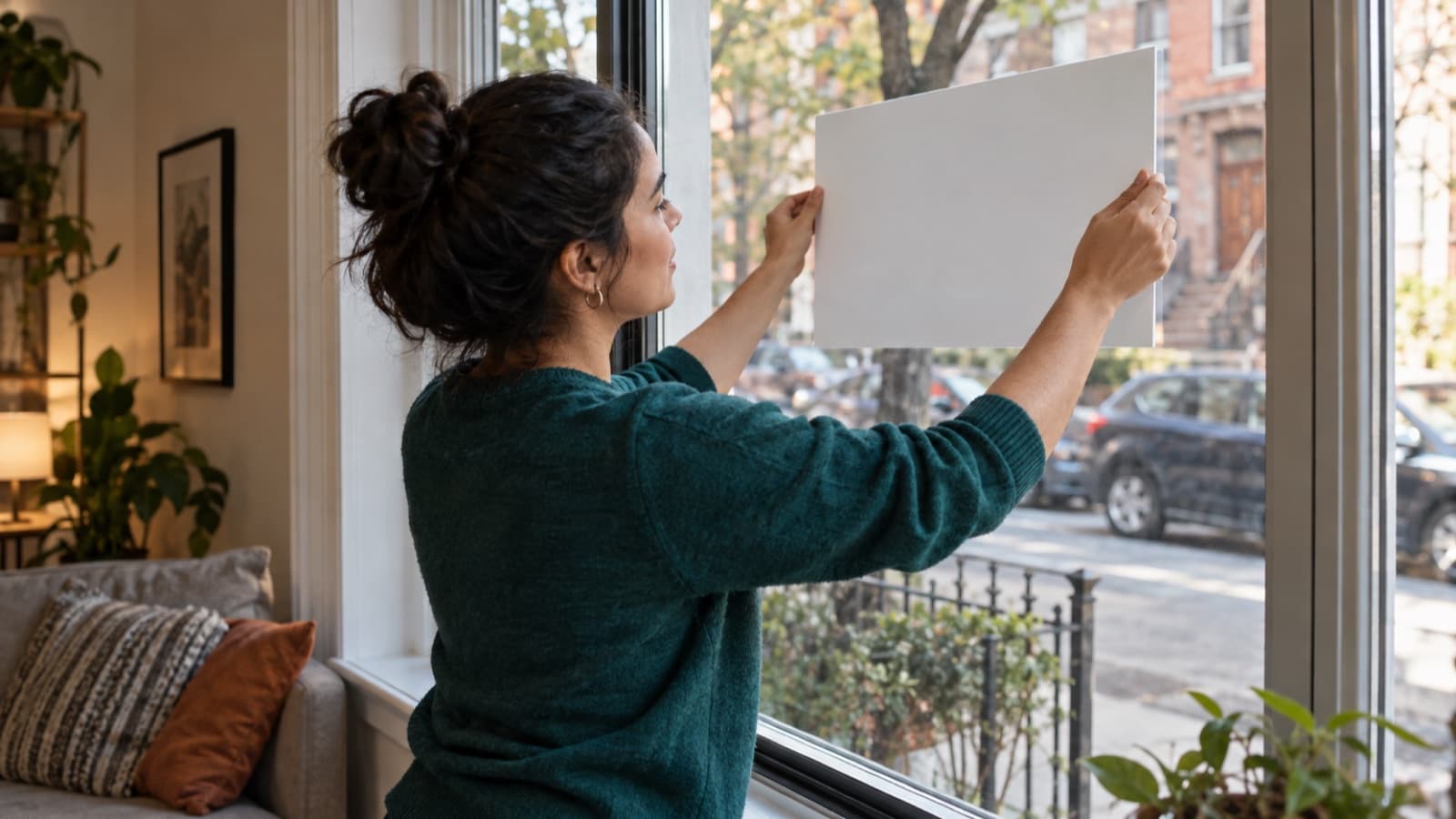
Where to advertise a rental property depends on the unit. A studio near a campus, a three-bedroom house and a furnished apartment for short work stays each get found in different places. Most units do best on a few channels chosen on purpose, each pointing to the same listing.
This guide is for real estate agents who rent out properties for owners. It covers the main places to advertise a rental, how to pick the right mix for each unit, and how to keep the listing and the inquiries in order once it's live in several places.
Why where you advertise matters
Where you post the listing decides who sees it. If you post it where the right renters look, the questions come from people who can afford the rent, want that area and can move on the date you need. In the wrong place, you get silence or a pile of messages from people the unit doesn't fit.
It also shapes the conversation with the owner. When the owner asks where the unit is advertised and how each place is doing, you want to answer in two lines, with dates and counts.
Why advertising in several places gets messy
Each channel wants something a little different: a form with fixed fields on a rental site, a short post with photos on social media, a forwarded message on WhatsApp, a phone number on the sign. So the same unit ends up with five versions of its listing.
Over the following weeks the versions drift apart. You lower the rent on one site and forget another. A group post still says "available Mar 1" after the date moved. Inquiries arrive by email, portal messages, direct messages, WhatsApp and phone calls, and you answer the same five questions in each one. When the unit is rented, old posts keep bringing messages for weeks.
Where to advertise a rental property: the main channels
These are the kinds of places agents use. The names below are examples of well-known sites in the US, not recommendations; prices, rules and reach change, so check each one's current terms before you post.
Rental listing sites
Large rental sites such as Zillow Rentals, Apartments.com or Realtor.com are where many renters start their search. They let people filter by rent, bedrooms, area and pets, so the facts you enter in their fields matter as much as the photos.
- Fill in every field the site offers, because filters hide listings with gaps.
- Check whether a listing appears on partner sites too, so you don't post it twice in the same place.
- Note the date you posted it and the fees, if any, so you can tell the owner what each site cost.
Classifieds and marketplaces
General classifieds and marketplaces, such as Craigslist or Facebook Marketplace, reach people who aren't on the big rental sites. They're often quick to post on. Watch for scam replies and for copies of your listing posted by someone else. Share the exact address once a visit is booked, especially if a tenant still lives there, don't ask for money before a visit, and follow the local rules on any fees.
Social media and local groups
Your own profiles, your brokerage's pages and local groups for a neighborhood, a school, an employer or a community can reach people before they search. A short post with the best photo, the rent, the bedrooms, the area and the date works better than a long text. Read each group's rules first; many limit how often agents may post.
Ads you pay for on social networks follow the network's housing rules, which may limit how you choose who sees them.
WhatsApp and your contacts
Your clients, colleagues and past tenants can pass the listing on to someone who needs it. A message with a link and one photo is easy to forward. Ask colleagues to share it only after you've agreed on how a referral or a shared commission works, in writing.
Your website or your brokerage's page
A page you control holds the full listing, every photo and the terms, and it stays up to date because you're the only one who edits it. It's also the natural place to send people from a short social post or a sign.
A sign on the property
A sign on a window, balcony or fence reaches people who already walk past and want that street. Keep it simple: "For rent", the bedrooms, a phone number or a QR code, and nothing more that could go out of date. Check first whether the building, the homeowners' association or the city restricts signs, and ask the tenant who lives there, if there is one.
How to choose channels for each unit
Start with the unit, then pick the sites:
- List the unit's facts: location, rent, size, furnishing and lease length. Choose channels from those facts alone, so the ad reaches every kind of renter.
- Where do renters look for a unit like this? Large rental sites for most searches; local groups and signs for people who already know the area; your contacts for people who ask around first.
- Pick a few channels. You can keep two or three places up to date by hand; with ten, one of them will show the old rent.
- Agree on them with the owner, including any paid listing, before you post.
- Review after a week or two. If one channel brings views but no questions, the issue may be the listing; our guide on why a rental isn't renting shows how to find where people drop off.
Keep one master listing and one place for inquiries
The listing should say the same thing everywhere. Write one master version with the rent, what it includes, the deposit, the date, the pet policy and the requirements, and copy from it into each channel. Our guide to writing a rental listing description covers what goes in it.
Then keep a short record for each unit:
| Channel | Posted | Link or note | Last updated | Inquiries |
|---|---|---|---|---|
| Rental site A | Mar 3 | Listing link | Mar 10 | 6 |
| Neighborhood group | Mar 4 | Post in the Linden Park group | Mar 4 | 2 |
| Sign in the window | Mar 5 | QR code to the listing page | n/a | 1 |
The numbers are made up; use your own. Ask everyone who writes how they found the unit. Keep the inquiries themselves in one list across every channel: name and contact, where they found the unit, your last reply, the next step and whether a visit is booked. When anything changes, update every row, and when the unit is rented, take every post and the sign down the same day.
Advertising rules apply in every channel
Fair housing and advertising laws apply in every channel: a post in a group, a story on social media and a sign follow them just like a listing on a large site. Each platform, building or city may add its own rules on top.
- Describe the home and the terms only, never the tenant you'd like. In the US, the federal Fair Housing Act prohibits ads that state a preference or limit based on race, color, religion, sex, national origin, familial status or disability, and many states and cities protect more groups.
- Show who is advertising. Many states require agents to show their brokerage's name in ads, including on social media.
- Have the owner's permission in writing before you advertise, and keep the rent and terms the owner approved.
Rules differ by country, state and city: check the rules where the property is, or ask your brokerage when in doubt.
How RentalThread will make it easier
With RentalThread, each listing will get one link with its photos, details and price, ready to share on WhatsApp, rental sites and social media, and a QR code for the sign that opens the same listing. When the rent or the date changes, you'll change it once and the link will show the new details; listings you typed into rental sites still need their own update.
Inquiries from every channel will arrive in one inbox, and a planned AI assistant on WhatsApp will answer repeat questions with answers you've written or approved, and pass everything else to you. Owners will see views, visits and feedback for their listing without having to ask you. See what's planned for real estate agents.
Send it to an owner, manager, agent, tenant or pro who could use it.
Questions, or a topic you'd like us to cover? Write to us at contact@rentalthread.com.